
How to Register on Khelo24: Fix OTP, Account & KYC Verification Issues
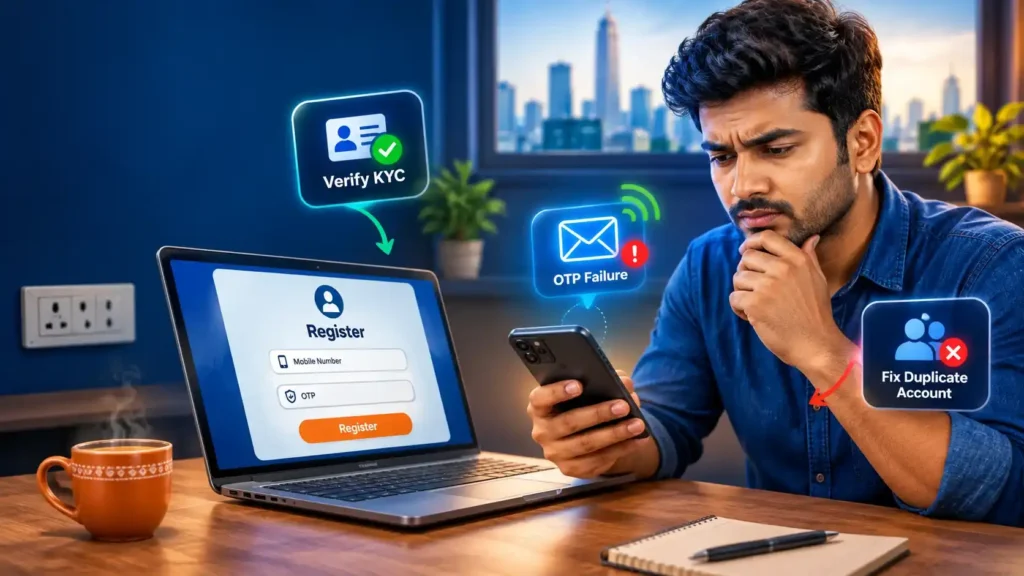
Registering for a new account is usually seamless, but technical glitches, formatting errors, or policy triggers can interrupt the sign-up process. Under standard Anti-Money Laundering (AML) and verification rules, accurate account details are required from day one. Inconsistent information can cause account locks or withdrawal delays later.
Khelo24bet guide provides a quick recap of the sign-up flow, step-by-step fixes for every common registration issue, and instructions on how to reach official support if your issue persists.
Table of Contents
How to Register on Khelo24
- Access the Sign-Up Form: Open the official Khelo24 registration page or app.
- Choose a Unique Username: Create an easily remembered username for your account identifier.
- Enter an Active Email Address: Provide a personal email you have direct access to for account recovery.
- Set a Strong Password: Use a distinct password combining letters, numbers, and symbols.
- Add Your 10-Digit Mobile Number: The country code
+91is preset. Enter your 10-digit Indian mobile number without adding+91or0again. - Accept Terms & Confirm Age: Check the box confirming you are 18+ years of age and agree to the platform’s Terms and Conditions.
- Submit & Log In: Click REGISTER, verify any prompt received, and proceed to log in to your account.
Common Registration Problems & Step-by-Step Fixes
| Problem | Likely Cause | Step-by-Step Resolution |
| OTP Not Received | Network congestion, SMS spam filters, or incorrect mobile digits. | • Verify the 10-digit number entered. • Wait 2–3 minutes before requesting a new code. • Check SMS “Spam & Blocked” folders. • Toggle Airplane Mode on and off to reset network reception. |
| OTP Invalid or Expired | Entering an older code after requesting multiple resends, or timer expiration. | • Request one fresh OTP. • Enter the code immediately upon receipt. • Avoid repeatedly tapping “Resend OTP”, which invalidates previous codes. |
| Mobile Number Already in Use | The number is linked to an existing profile or past sign-up attempt. | • Do not create a duplicate account. • Use the Forgot Password / Account Recovery option. • Contact official support to check the status of your original account. |
| Email Address Already in Use | A previous profile exists with this email, or there is a typo. | • Use the password recovery flow with your email. • If it is an old dormant account, request reactivation instead of creating a second profile. |
| Form Fails to Submit | Missing mandatory field, weak password, or browser caching error. | • Check for highlighted error text (e.g., password criteria not met). • Clear browser cache and cookies or try an Incognito/Private window. • Ensure all required checkboxes are selected. |
| KYC / Verification Rejection | Blurry upload, cropped edges, or name/DOB mismatch with registration. | • Upload high-resolution, uncropped scans or photos of your government ID. • Ensure the full legal name and date of birth match your registration profile and payout account exactly. |
| Account Blocked Immediately | Duplicate account detection, restricted location, or policy trigger. | • Do not attempt to register again from different devices. • Contact official support via live chat or email to provide verification documents and appeal the block. |
| Lost Access to Old Number | Trying to register a new account because you changed phone numbers. | • Reach out to support from your registered email. • Follow the formal account update procedure (submitting updated identity verification) to update your registered phone number. |
Best Practices for a Smooth Account Setup
- Use Real Legal Credentials: Always register with your legal name as it appears on your official identity documents and bank account.
- Maintain One Account Only: Operating multiple accounts violates security terms and leads to automatic account suspensions and withdrawal freezes.
- Avoid Third-Party Agents: Never share OTPs, passwords, payment PINs, or identity document images with individuals on Telegram or WhatsApp claiming to “activate” your account.
- Save Confirmation Details: Keep a record of your username and registration confirmation for reference during future support requests.
How to Contact Official Khelo24 Support
If your account issue cannot be resolved through standard recovery steps, contact official customer support with the following details prepared:
- Registered mobile number (mask digits if posting in public forms)
- Registered email address
- A clear screenshot of the exact error message
- Device model and browser/app version (e.g., Chrome Mobile on Android 14)
- Approximate date and time of the registration attempt
Security Reminder: Official customer support agents will never ask for your account password, payment OTPs, or UPI PINs.
Khelo24 Register (FAQs, Guide, Common Fix)
Why am I not receiving the registration OTP on my phone?
OTP delays typically happen due to SMS gateway lag, weak mobile reception, or aggressive spam filters on your device. Ensure you entered only your 10-digit number without adding +91 again, check your SMS spam folder, and wait 2 to 3 minutes before requesting a single fresh OTP.
Can I create a new account if I forgot my old login details?
No. Creating a second profile is flagged as duplicate registration and can lead to both accounts being suspended. Instead, use the account recovery link on the login screen or contact official support with your registered email to recover your existing account.
Why did my KYC verification fail after registration?
KYC verification fails if uploaded documents are blurry, cropped, expired, or if the name and date of birth on the ID do not match the details entered during registration. Upload clear, full-page copies of your valid government ID where all text is legible.
What should I do if the registration form does not respond when I click Register?
This usually indicates an unmet form requirement (such as a password that does not meet complexity criteria or an unchecked terms box) or a browser caching issue. Review every field for red highlight flags, clear your browser cache, or open the registration page in an Incognito/Private window.

Rahul Pujara is an experienced blogger and content researcher with a strong interest in online gaming and digital platforms.
He specializes in researching complex topics and turning them into clear, practical, and easy-to-understand articles.
His areas of focus include gaming guides, platform information, casino games, responsible gaming, and digital trends.
Rahul is committed to creating well-researched, useful, and reader-focused content based on reliable information.