Khelo Super Withdrawal Problem – What Users Report and What to Do
If you are experiencing a Khelo Super withdrawal problem, first check the withdrawal status, save your transaction records, and ask for a traceable payment reference such as a UTR where applicable. Do not make another deposit to “unlock” or release a pending withdrawal, and never share your password, OTP, UPI PIN, CVV, or full banking credentials with anyone.
If money has been deducted from your account or you suspect financial fraud, contact your bank or payment provider promptly and preserve the complaint reference. In India, suspected cyber financial fraud can also be reported through the National Cyber Crime Reporting Portal or by calling 1930.
Table of Contents
What Should You Do About a Khelo Super Withdrawal Problem?
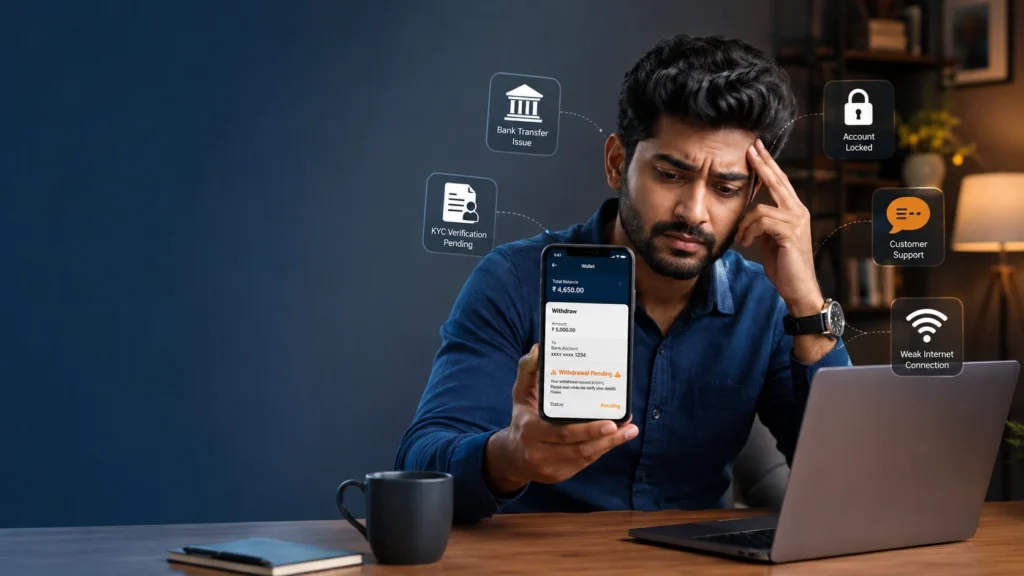
If your Khelo Super withdrawal is delayed, pending, failed, reversed, or marked successful without the money reaching your bank account:
- Save all transaction records, including the withdrawal ID, date, amount, payment method, and screenshots.
- Check the withdrawal status inside your account before making another transaction.
- Request the UTR or payment reference from support if a bank transfer was supposedly completed.
- Contact your bank or payment provider and ask whether the payment was received, rejected, reversed, or is still being processed.
- Do not pay additional money to unlock, release, verify, or accelerate a withdrawal unless you have independently verified the legitimacy and terms of the request.
- Never share sensitive credentials, including passwords, OTPs, UPI PINs, CVVs, or full banking credentials.
- If you suspect fraud, report it through the appropriate official channels, including India’s National Cyber Crime Reporting Portal and 1930.
What Is a Khelo Super Withdrawal Problem?
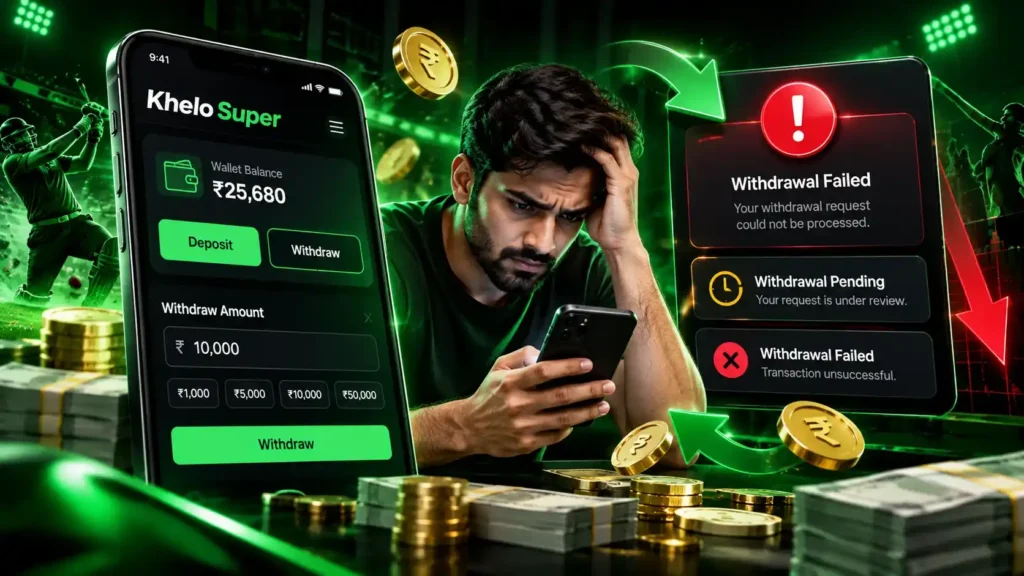
A Khelo Super withdrawal problem can refer to several different situations. For example, a withdrawal may remain pending, fail, be reversed, or appear as successful in the platform interface without the expected funds appearing in the user’s bank account.
Some User complaints have alleged that withdrawals marked as successful were not credited to the user’s linked bank account. These reports are user-generated and should be treated as allegations rather than independently verified findings because some time user upload fraud screenshot.
One User complaint reviewed for this article alleges that a successful Khelo Super withdrawal was not credited to the user’s bank account user fill wrong details most of time that’s why we verify 2-3 time but still user fill wrong details sometime.
The existence of a complaint does not by itself establish that a platform has committed fraud or that every user experiences the same problem It’s because problem from user side as well not only platfrom our support team always there to help them.
Why a Withdrawal Can Be Delayed
A withdrawal can potentially involve several stages:
- Withdrawal request submitted.
- Account or KYC checks completed.
- Withdrawal approved or rejected.
- Payment processor receives the payout instruction.
- Payment is sent through the applicable banking or payment network.
- Recipient bank processes the incoming transaction.
- Funds appear in the destination account.
A delay at any stage can result in the withdrawal appearing incomplete from the user’s perspective.
Commonly Reported Khelo Super Withdrawal Issues
User complaints and user discussions can contain different descriptions of withdrawal problems.
The following are reported themes, not independently verified findings:
| Reported Issue | What Users May See |
|---|---|
| Withdrawal marked successful | Platform shows successful but funds are not visible in the bank account |
| Withdrawal pending | Request remains pending for an extended period |
| No UTR provided | User cannot obtain a payment reference for tracing |
| KYC-related delay | Additional verification is requested before payout |
| Account restriction | Withdrawal is restricted or placed under review |
| Bonus dispute | Withdrawal is affected by bonus or wagering conditions |
| Withdrawal reversal | Previously requested payout is returned or cancelled |
| Withdrawal failure | Payment does not complete and the reason may be unclear |
These reports should be investigated individually. A withdrawal status alone does not establish why a payment has been delayed.
What Evidence Should You Save?
Before escalating a withdrawal issue, collect as much transaction information as possible.
Withdrawal Request Details
Save:
- Withdrawal date and time
- Withdrawal amount
- Withdrawal ID
- Selected withdrawal method
- Destination bank or payment method
- Current withdrawal status
Account Status Evidence
Take screenshots showing whether the transaction is:
- Pending
- Processing
- Successful
- Failed
- Reversed
- Cancelled
Make sure the screenshot contains enough information to identify the transaction while hiding sensitive personal information.
Bank and UPI Records
If the withdrawal was supposed to reach a bank or payment account, retain:
- Bank statement entry
- UPI transaction record
- Payment notification
- Transaction reference
- UTR, where applicable
- Reversal or failure message
Support Conversations
Keep copies of:
- Live-chat conversations
- Emails
- Support tickets
- Ticket numbers
- Payment-related instructions
- Promised processing times
- Written explanations for delays
Written records are preferable to relying only on verbal promises.
KYC and Verification Records
If the withdrawal is delayed because of verification, record:
- What documents were requested
- When they were submitted
- Confirmation of submission
- Any follow-up messages
- The reason given for the verification
Do not publicly post identity documents or sensitive financial information.
What Information Should You Redact?
Before sharing screenshots with anyone, remove sensitive information.
Never publicly expose:
- Full card numbers
- CVVs
- OTPs
- UPI PINs
- Banking passwords
- Full account credentials
- Authentication codes
- Identity documents unless disclosure is specifically required through a verified official channel
A transaction screenshot should provide enough information to identify the payment without exposing information that could be misused.
How to Handle a Stuck Khelo Super Withdrawal
If your withdrawal has not reached your account, follow a structured process instead of repeatedly submitting withdrawal requests.
Step 1: Check the Withdrawal Status
Log in to your account and check the relevant withdrawal or transaction history.
Determine whether the request is:
- Pending
- Processing
- Successful
- Failed
- Reversed
- Cancelled
Do not assume that “successful” inside an application necessarily means that your bank has received the money.
Step 2: Verify Your Destination Details
Check the bank account, UPI ID, or other payout destination associated with the withdrawal.
Make sure the details are correct and belong to you.
If the destination details are incorrect, do not attempt to solve the issue by making another deposit.
Step 3: Contact Support
Ask for specific information instead of only asking when the withdrawal will arrive.
Where applicable, request:
- Payment processor name
- Payment date
- Settlement date
- UTR
- Transaction reference
- Payment status
- Reason for any rejection or reversal
A specific payment reference is much more useful for tracing a transaction than a generic message saying that the withdrawal is “being processed.”
Step 4: Contact Your Bank or Payment Provider
If the platform says that the payment was completed, contact your bank or relevant payment provider.
Provide the transaction reference or UTR where available and ask whether the payment was:
- Received
- Rejected
- Pending
- Reversed
- Unable to locate
Keep the bank’s response or complaint reference.
Step 5: Request a Written Response
If support only provides repeated verbal assurances, request a written response through email or another recordable support channel.
Ask them to state:
- Current status
- Reason for the delay
- Payment processor
- Transaction reference
- Expected next action
This creates a clearer record of the issue.
Step 6: Do Not Pay Extra Money to Release a Withdrawal
Be particularly cautious if someone asks you to make an additional deposit or payment before receiving your withdrawal.
Examples of concerning claims include:
- “Pay a fee to unlock your withdrawal.”
- “Deposit more money to release the payout.”
- “Pay a verification amount first.”
- “Add funds to activate your withdrawal.”
- “Deposit again to remove the account restriction.”
Do not send additional funds simply because someone says the payment is necessary to release money already owed to you.
If you believe the request may be fraudulent, preserve the messages and contact your bank/payment provider through its official channel.
What Is a UTR Number and Why Does It Matter?
A UTR (Unique Transaction Reference) is a transaction reference used to identify certain bank transfers.
When a platform says that a withdrawal has been processed through a bank transfer, a UTR or other payment reference can help the receiving bank investigate whether the payment entered the banking network.
When Should You Request a UTR?
If your withdrawal is shown as completed but the money has not appeared in your bank account, ask support whether a UTR or equivalent payment reference is available.
Provide that reference to your bank when asking it to trace the payment.
What If Support Does Not Provide a UTR?
If support says that the withdrawal has been completed but cannot provide a traceable payment reference, keep a written record of the response.
You can then provide the available transaction details to your bank or payment provider and ask whether the payment can be located using the information available.
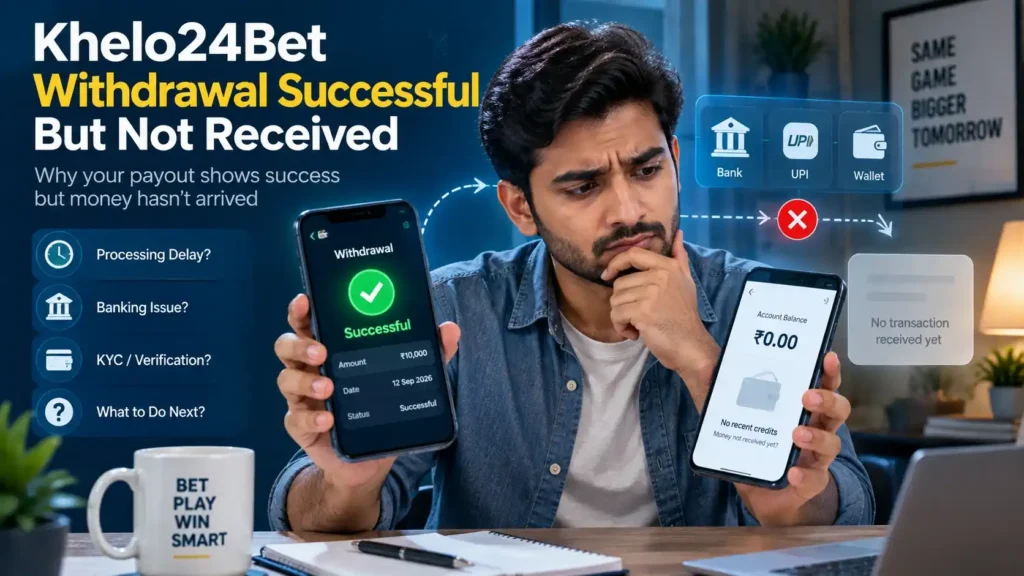
Khelo Super Withdrawal Marked Successful but Money Not Received
A “successful” status can be confusing when no funds have appeared in the destination account.
The first step is to distinguish between platform status and bank receipt.
Check the Platform Record
Save a screenshot showing:
- Withdrawal amount
- Date
- Withdrawal ID
- Status
- Destination method
Check Your Bank Account
Look at your actual bank statement or transaction history rather than relying only on an SMS notification.
Search around the date and amount of the withdrawal.
Request the Payment Reference
Ask for the UTR or equivalent reference if one exists.
A bank can use transaction details to investigate whether the payment reached its system.
Avoid Duplicate Transactions
Do not immediately submit another withdrawal request or deposit additional money simply because the first withdrawal has not arrived.
First establish the status of the original transaction.
Khelo Super Withdrawal Pending
A pending withdrawal can have multiple possible explanations.
For example, the transaction may still be undergoing:
- Account review
- KYC verification
- Payment processing
- Fraud screening
- Banking reconciliation
- Payment-provider processing
The exact reason should come from the platform’s current terms or support response rather than being assumed.
What to Ask Support
A useful support request should ask:
- Why is the withdrawal pending?
- Has it been approved?
- Has the payment been sent?
- Which payment processor handled it?
- Is a UTR or transaction reference available?
- Is any action required from the account holder?
- What is the next step if the payment does not arrive?
Khelo Super Withdrawal Failed or Reversed
A failed or reversed withdrawal means the original payout did not complete as expected.
Check the Reason
Look for an explanation in your account or support communication.
Possible explanations can include:
- Incorrect destination details
- Verification requirements
- Payment-processing problems
- Account restrictions
- Bonus or wagering conditions
- Payment-provider rejection
Do not assume the reason without checking the actual transaction information.
What to Do After a Reversal
If the funds have returned to your account balance, verify that the amount is correct before attempting another withdrawal.
If the amount has not returned, preserve the original withdrawal record and request a written explanation.
Bonus and Wagering Conditions
A withdrawal can sometimes be affected by promotional terms.
If a bonus was accepted, check the applicable terms for:
- Minimum qualifying deposit
- Wagering requirements
- Eligible games
- Maximum bonus
- Maximum withdrawal conditions
- Expiry date
- Bonus eligibility
- Payment-method restrictions
A promotional balance should not automatically be assumed to be freely withdrawable cash.
What to Do If You Disagree With a Bonus Restriction
Ask support to identify the exact promotional term being applied.
Save a copy or screenshot of the relevant terms as they appeared when the promotion was accepted.
Do not rely solely on a support agent’s verbal explanation.
Khelo Super vs Khelo24 Withdrawal Complaints
Both Khelo Super and Khelo24 have appeared in public user discussions involving withdrawal-related complaints.
However, public complaints alone are not sufficient to establish that either platform has committed wrongdoing.
| Issue | Khelo Super | Khelo24 |
|---|---|---|
| Public complaints found | A complaint alleges that a successful withdrawal was not credited | Users allege delayed or missing withdrawals and unavailable UTRs |
| Independent verification | Not confirmed by the complaint material reviewed | Not confirmed by the complaint material reviewed |
| Recommended action | Preserve records and request a traceable payment reference | Preserve records and request a traceable payment reference |
| What to avoid | Do not pay extra fees or share credentials | Do not pay extra fees or share credentials |
This comparison describes public user allegations only. It should not be interpreted as an independent audit, legal finding, fraud determination, or safety certification.
Where Can You Report Suspected Financial Fraud in India?
If you believe that you have experienced online financial fraud, use official reporting channels.
National Cyber Crime Reporting Portal
India’s National Cyber Crime Reporting Portal provides a channel for reporting cybercrime.
You can access the official portal at:
National Cyber Crime Reporting Portal
Cyber Financial Fraud Helpline
For suspected financial cyber fraud, you can call:
1930
If money has been transferred without your authorisation or you believe you have been defrauded, contact your bank/payment provider as quickly as possible as well.
National Consumer Helpline
The National Consumer Helpline can also be used for consumer-related complaints.
Helpline: 1915
WhatsApp: 8800001915
Keep your complaint reference number and supporting evidence.
Bank or Payment Provider Complaint Process
If the issue involves a bank or payment provider:
- Contact the provider through its official support channel.
- Register a formal complaint.
- Save the complaint/reference number.
- Keep copies of the response.
- Follow the provider’s escalation procedure if the issue remains unresolved.
For regulated financial entities, users may also have access to applicable regulatory grievance mechanisms, including the RBI’s complaint process where the matter falls within its jurisdiction.
What You Should Never Share During a Withdrawal Investigation
A genuine investigation should not require you to disclose highly sensitive authentication credentials.
Never share:
- Password
- OTP
- UPI PIN
- ATM PIN
- Card PIN
- CVV
- Net-banking password
- Full banking credentials
- Device passcode
Why These Details Matter
These credentials can potentially be used to authorise or access financial transactions.
A transaction reference, withdrawal ID, screenshot with sensitive information redacted, or bank complaint reference is very different from giving someone your authentication secrets.
Safety Checklist for Khelo Super Withdrawal Problems
Before escalating a withdrawal issue, use this checklist:
| Check | Action |
|---|---|
| Withdrawal status | Save the current status |
| Withdrawal ID | Record the ID |
| Amount | Confirm the exact amount |
| Date/time | Record when the withdrawal was submitted |
| Destination | Verify bank or UPI details |
| UTR | Request it when applicable |
| Bank statement | Check for incoming funds |
| Support | Keep ticket/chat/email records |
| KYC | Save verification requests and confirmations |
| Bonus | Check applicable wagering terms |
| Extra payment | Do not pay simply to unlock funds |
| Credentials | Never share OTP, PIN, CVV or passwords |
| Fraud | Report suspected cyber fraud promptly |
Khelo Super Withdrawal Problem FAQs
Why is my Khelo Super withdrawal pending?
A withdrawal can remain pending for several reasons, including account verification, KYC processing, payment-provider processing, fraud screening, or backend reconciliation. Check the transaction status and ask support for the specific reason applicable to your withdrawal.
My Khelo Super withdrawal shows successful but I received nothing. What should I do?
Save the withdrawal ID, amount, date, and screenshot of the successful status. Ask support for the UTR or other payment reference where applicable, then contact your bank or payment provider and ask them to trace the transaction.
What is a UTR number and why should I request it?
A UTR is a transaction reference used to identify certain bank transfers. If a withdrawal is reported as completed but has not reached your bank account, the reference can help the bank or payment provider investigate the payment.
Is Khelo Super safer than Khelo24?
No definitive safety conclusion can be drawn from public complaints alone. The comparison in this article is based on reported user allegations and does not constitute an independent audit, verification, or finding of wrongdoing.
Where can I report a suspected betting withdrawal scam in India?
For suspected cyber financial fraud, you can report the matter through the National Cyber Crime Reporting Portal at cybercrime.gov.in or call 1930. You can also contact the National Consumer Helpline at 1915 for applicable consumer complaints.

Rahul Pujara is an experienced blogger and content researcher with a strong interest in online gaming and digital platforms.
He specializes in researching complex topics and turning them into clear, practical, and easy-to-understand articles.
His areas of focus include gaming guides, platform information, casino games, responsible gaming, and digital trends.
Rahul is committed to creating well-researched, useful, and reader-focused content based on reliable information.